

Skip to content
LedgerDock

Tutorials

Short videos with voice, and plain step lists. Closing a month is five steps, in order. Start with the tour.

68 seconds, with voice and captions. The company on screen is a demo with invented books.

The five doors

LedgerDock is five steps, in order. This is the map.

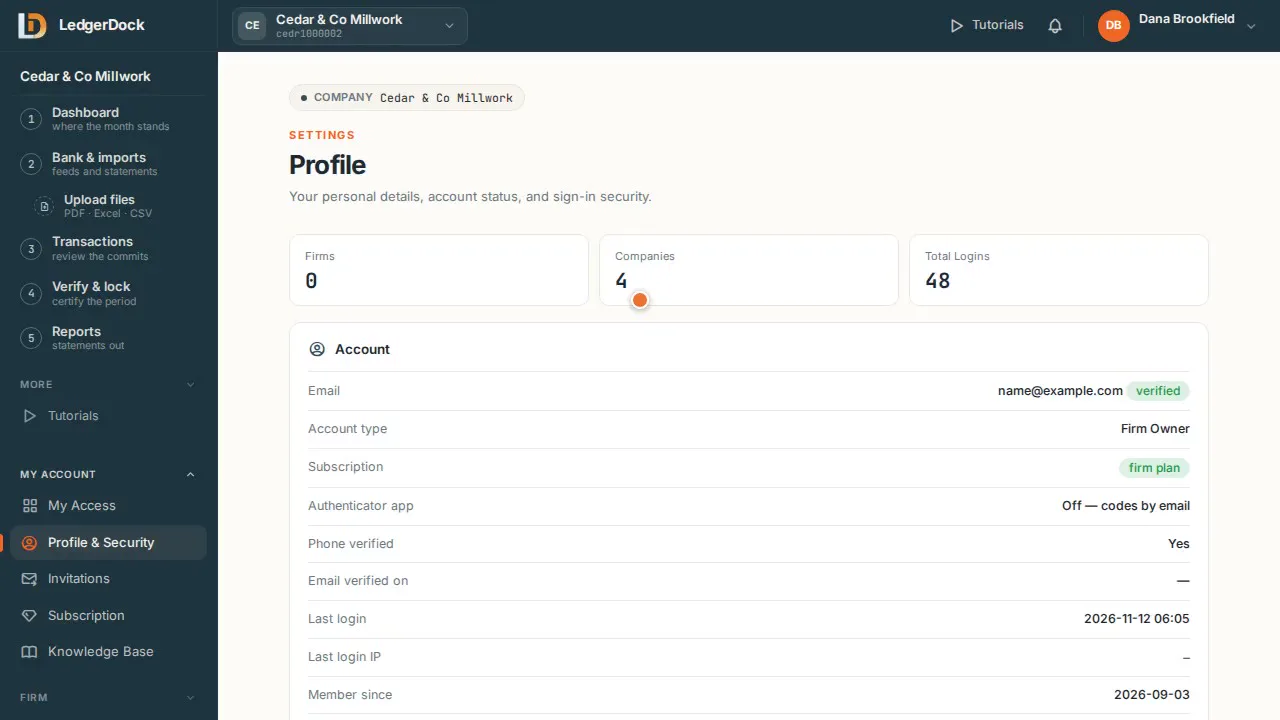
  1. The left menu is numbered 1 to 5. That is the whole job, in order.
  2. 1 — Dashboard. Start here. It shows what the month still needs — and you can drop a PDF or Excel file right into it.
  3. On the Dashboard, the cards — Needs your decision, Bank & card, What looks wrong, Inbox, Open questions — are the month's to-do list.
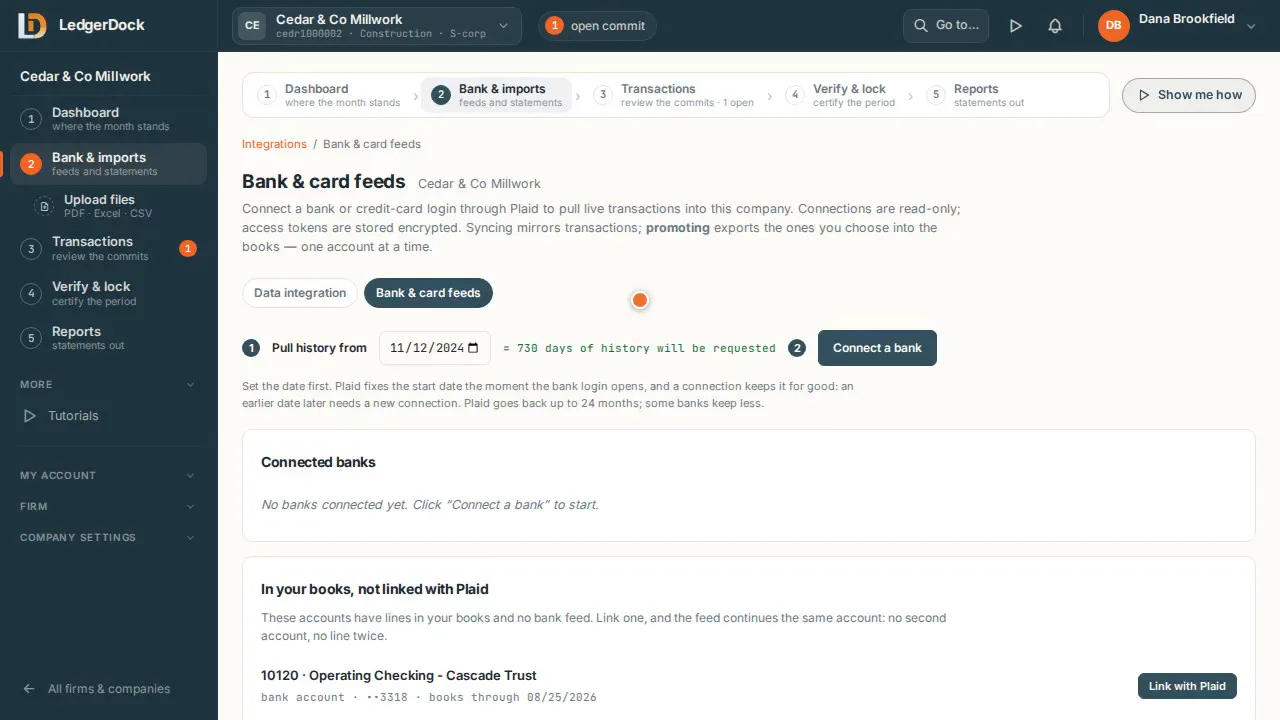
  4. 2 — Bank & imports. Money comes in from bank feeds. “Upload files”, just under it, takes PDF, Excel and CSV files.
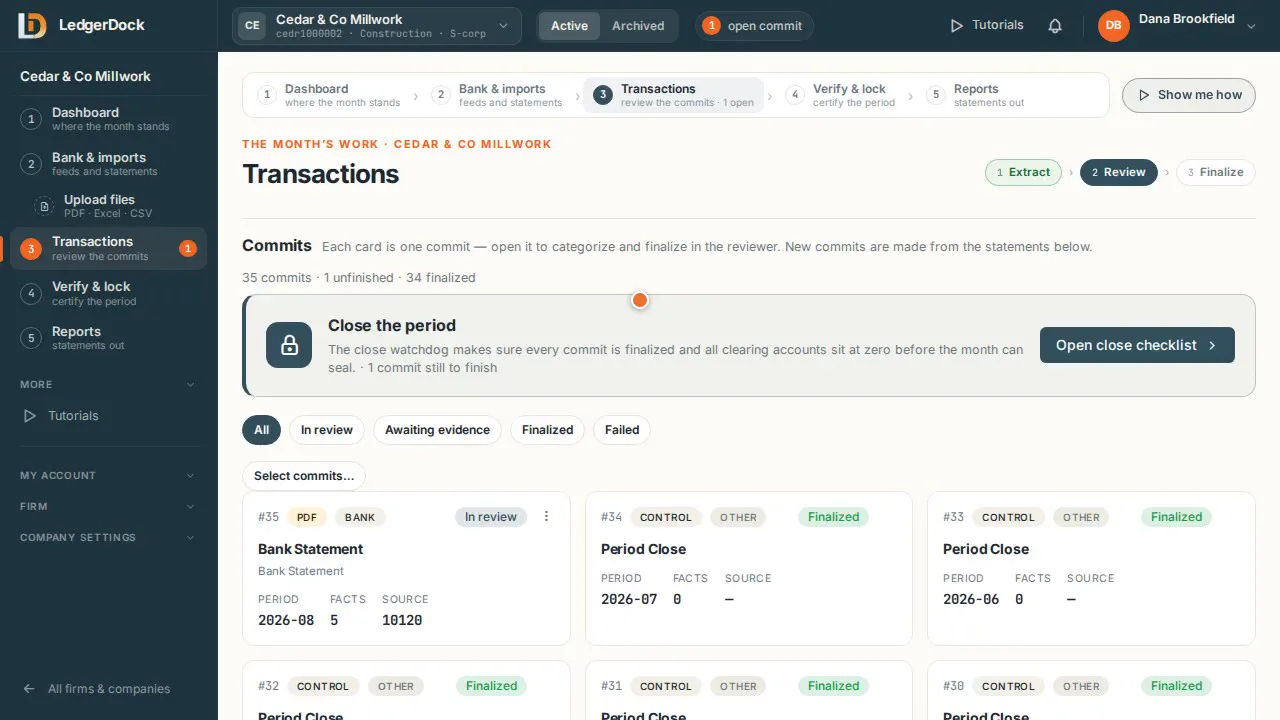
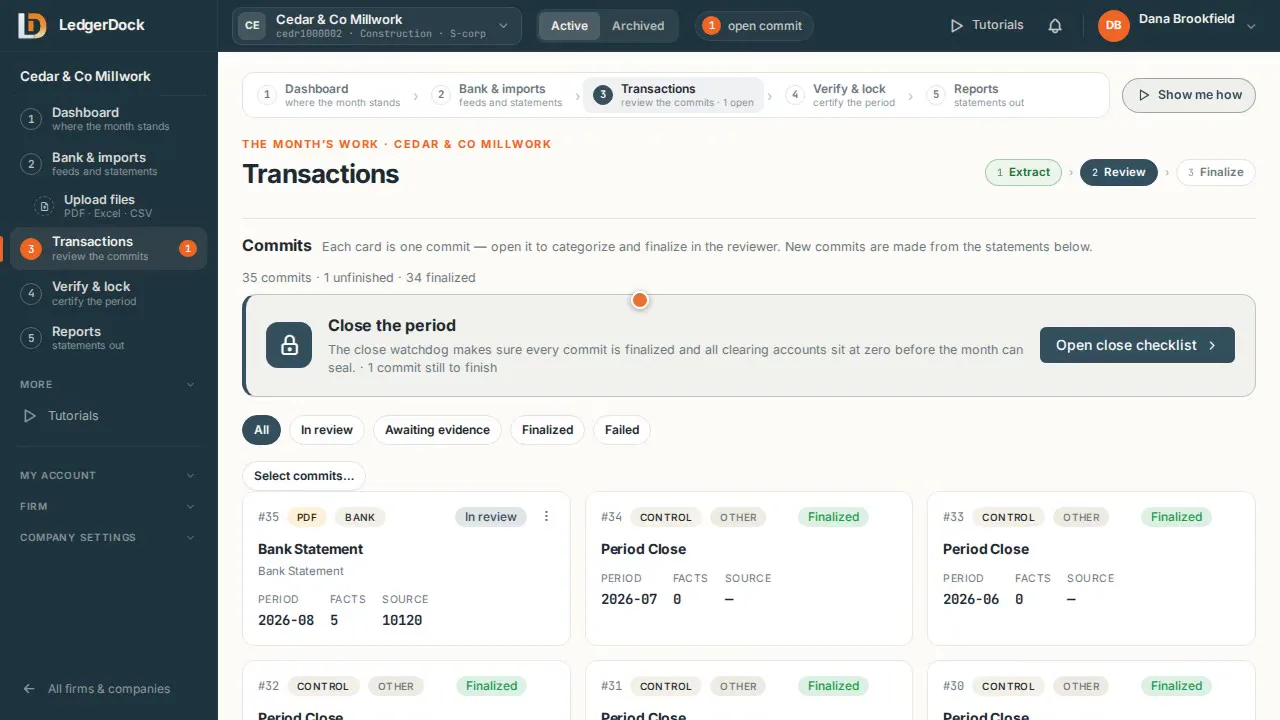
  5. 3 — Transactions. Every import becomes a commit. The badge counts the commits still open.
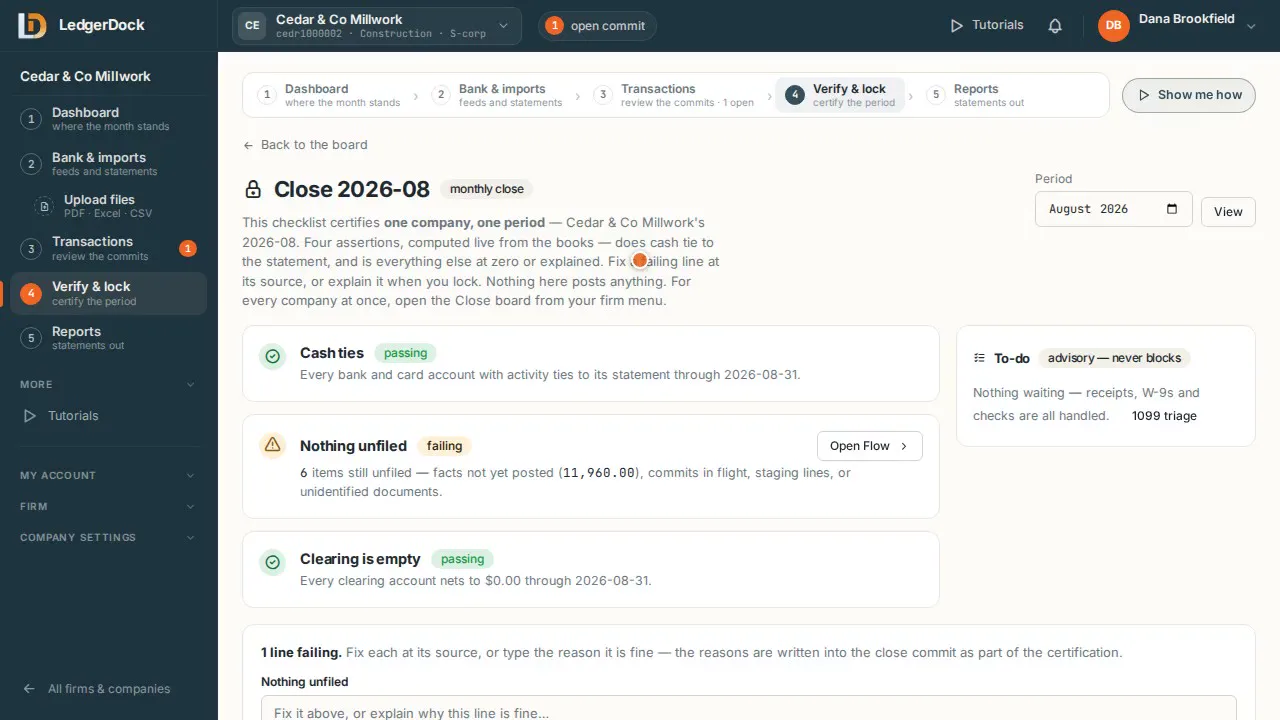
  6. 4 — Verify & lock. When the checks pass, you lock the month.
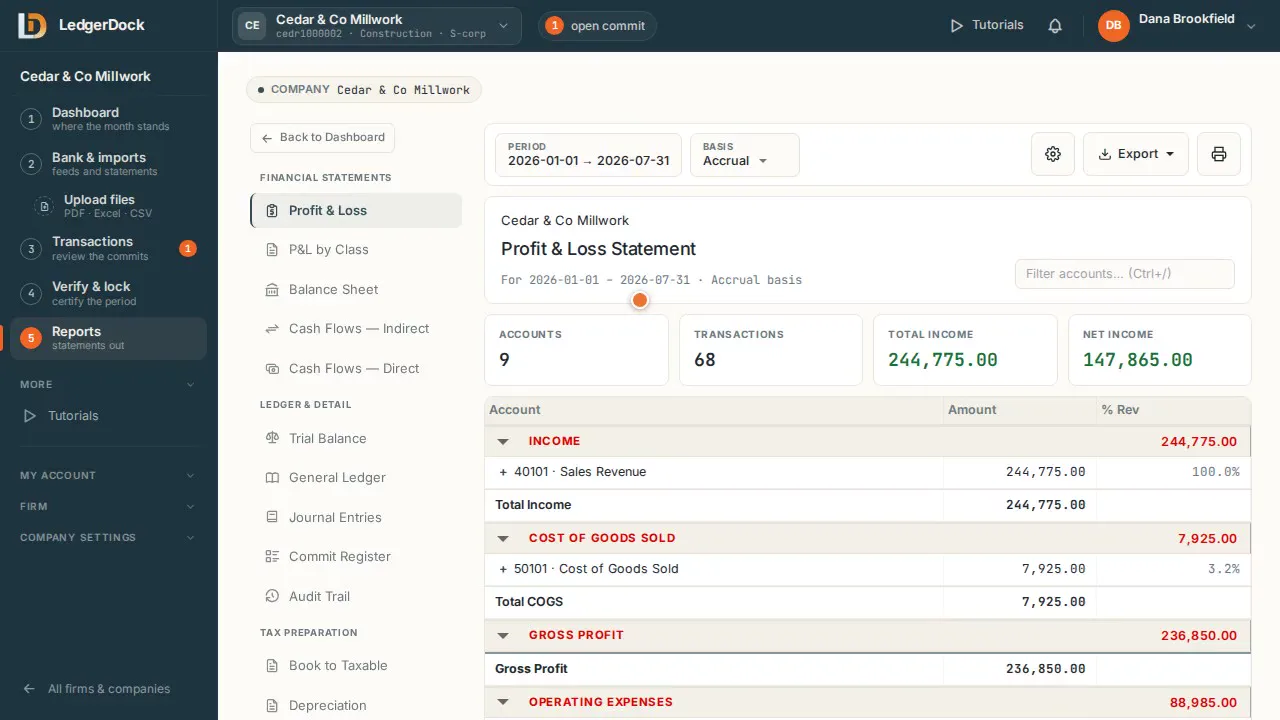
  7. 5 — Reports. The finished statements come out here.
  8. Everything else lives under “More”. You rarely need it.

One video for each step

More videos

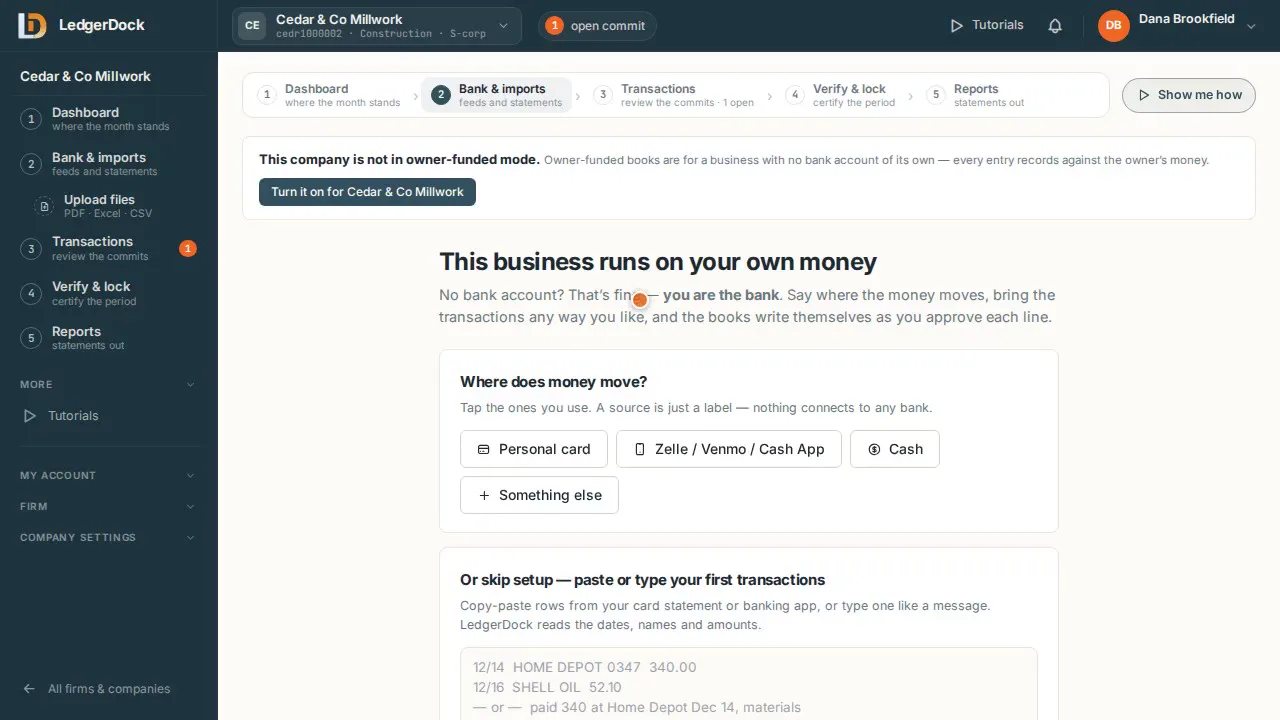
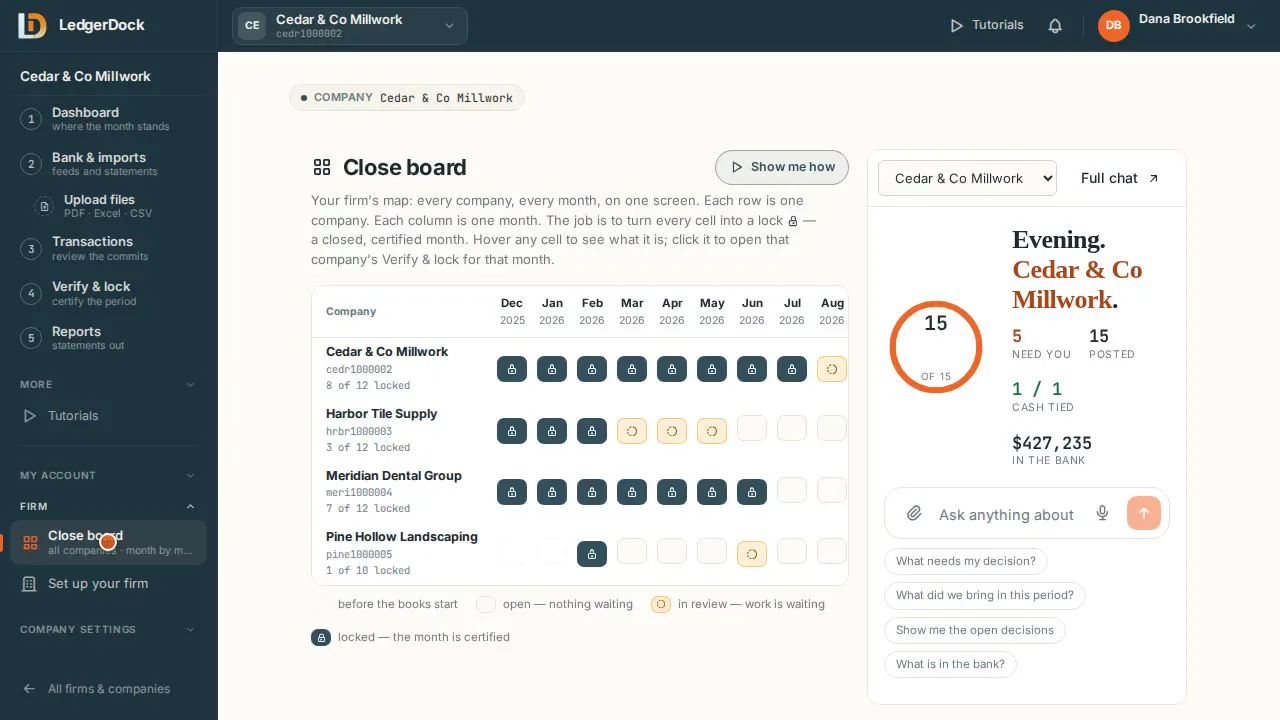
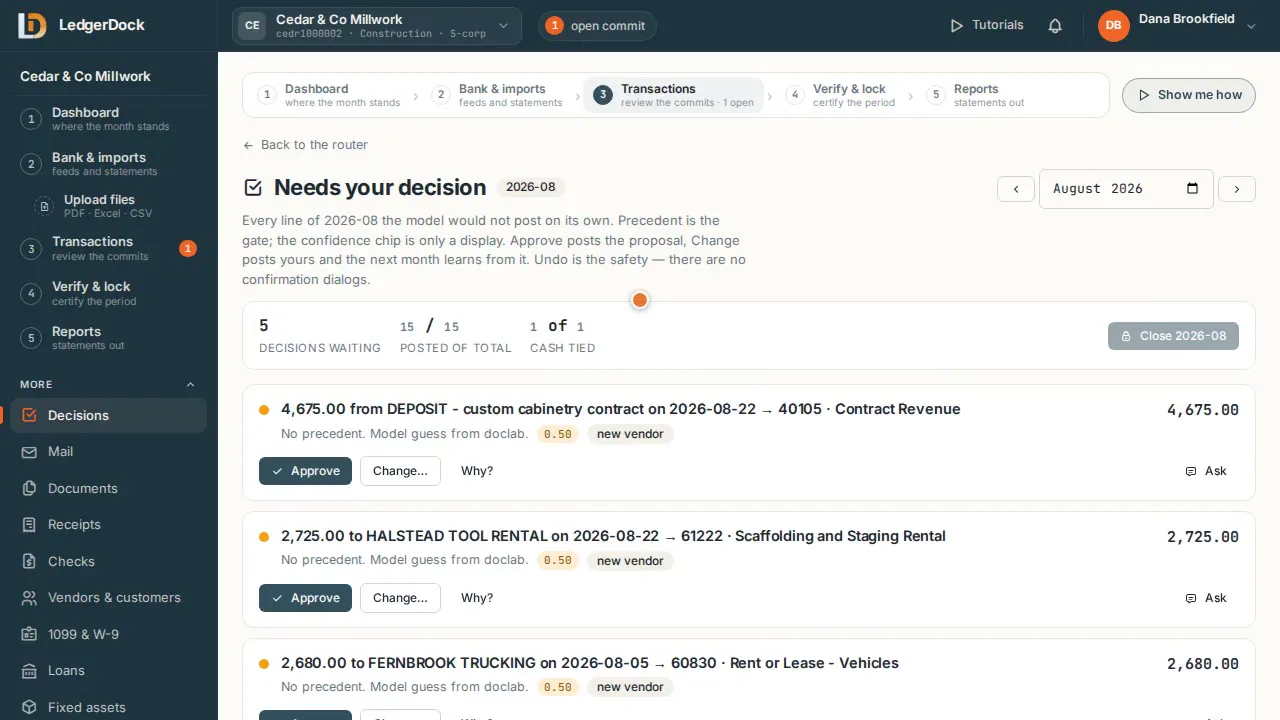
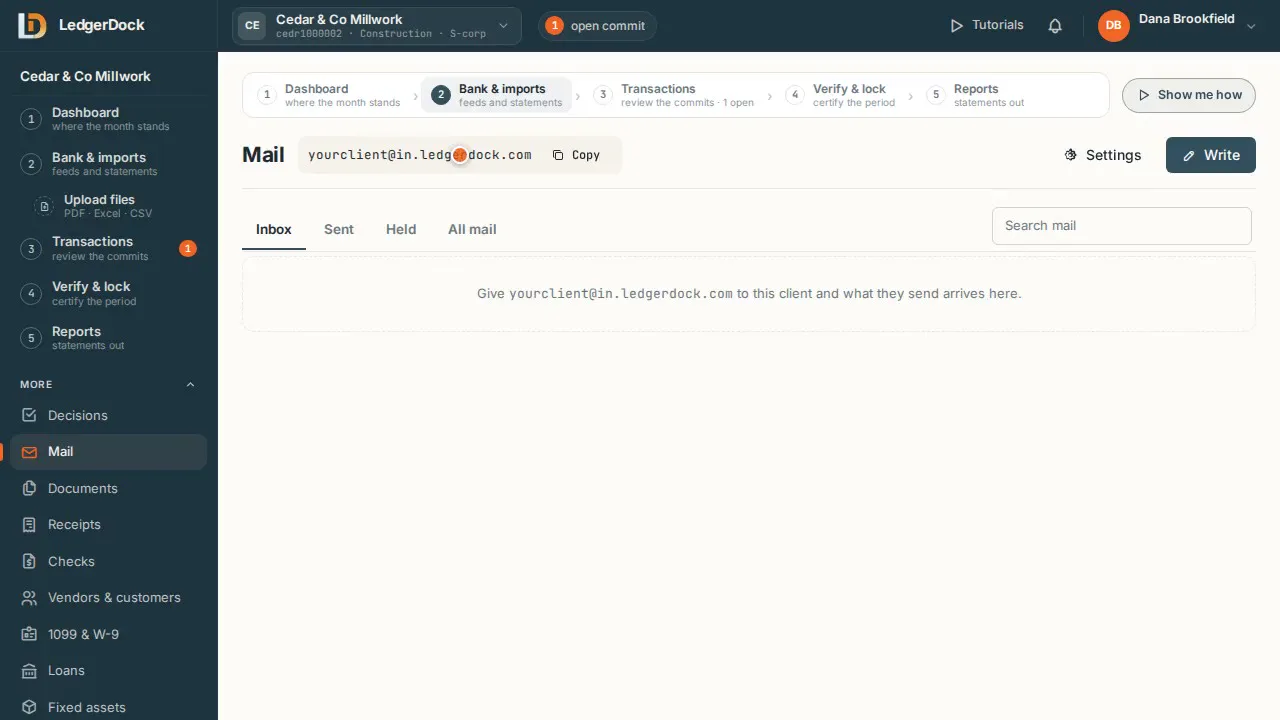
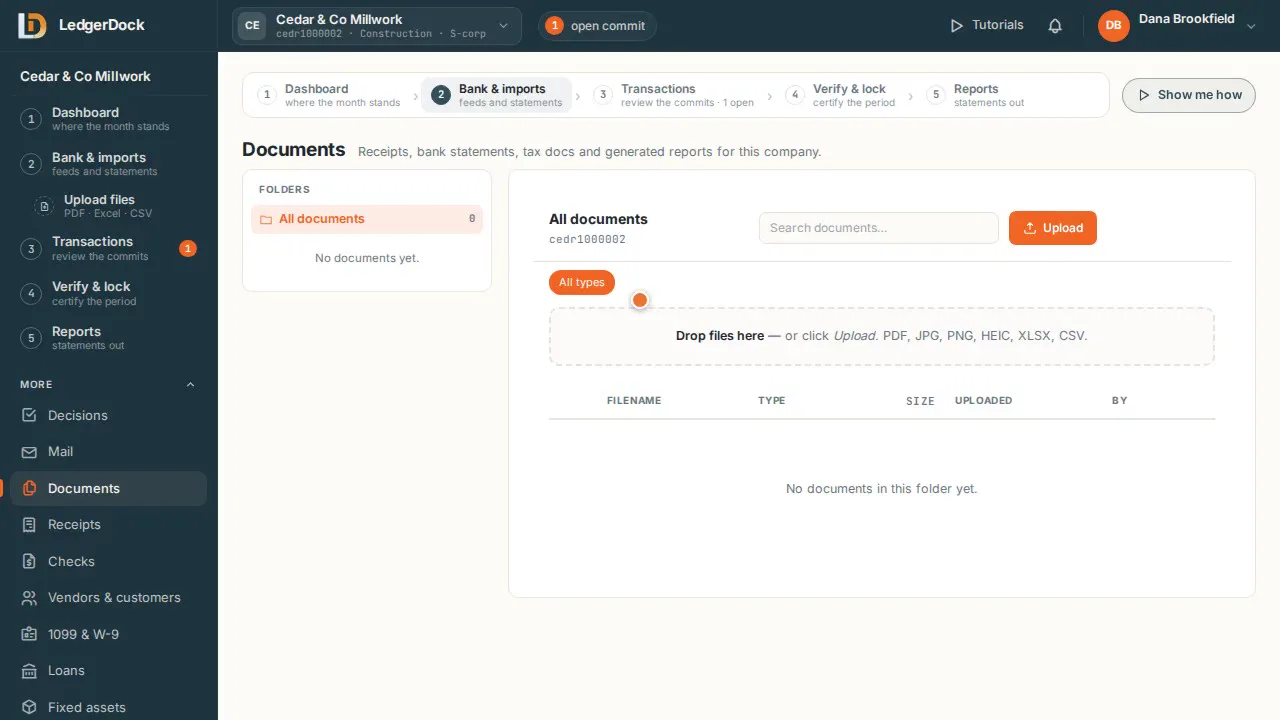
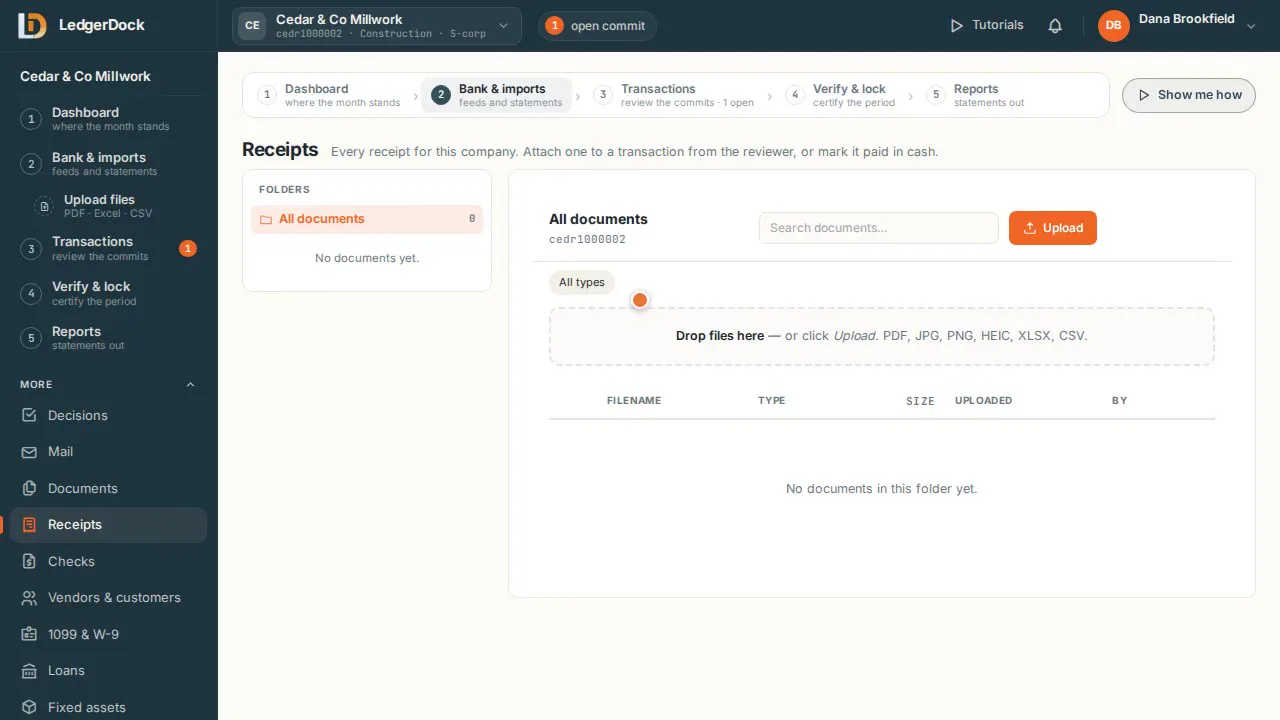
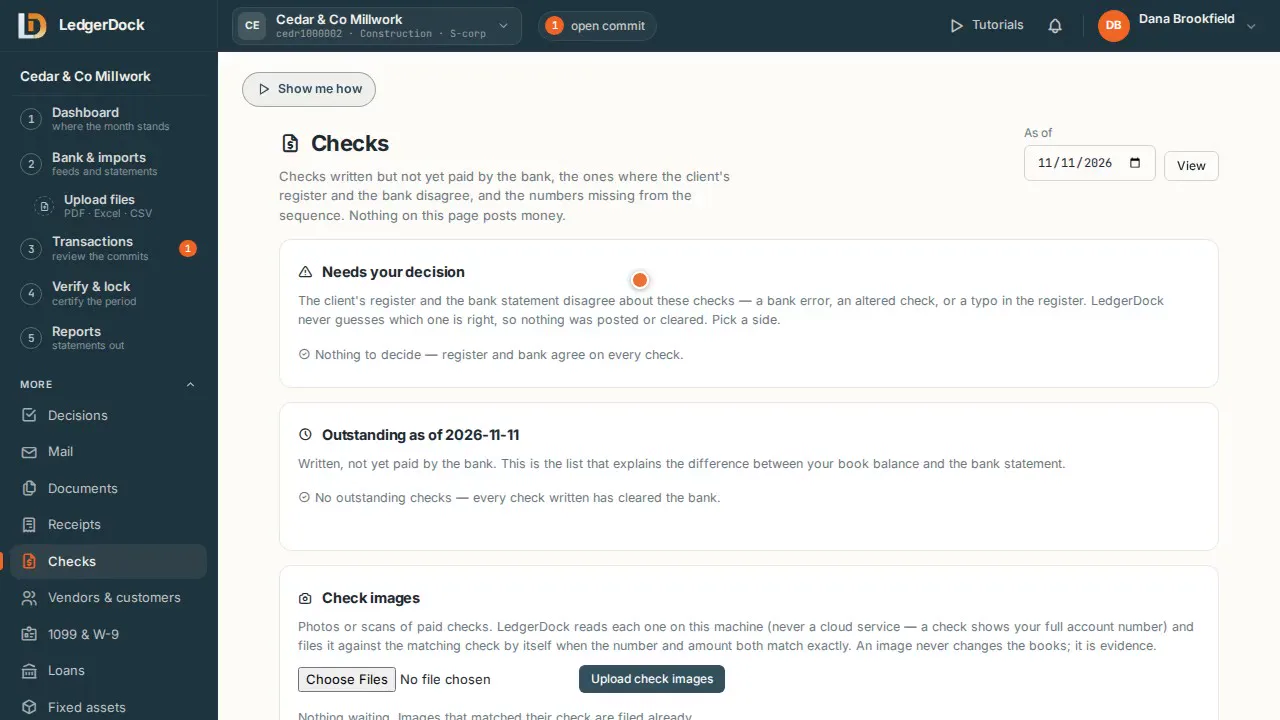
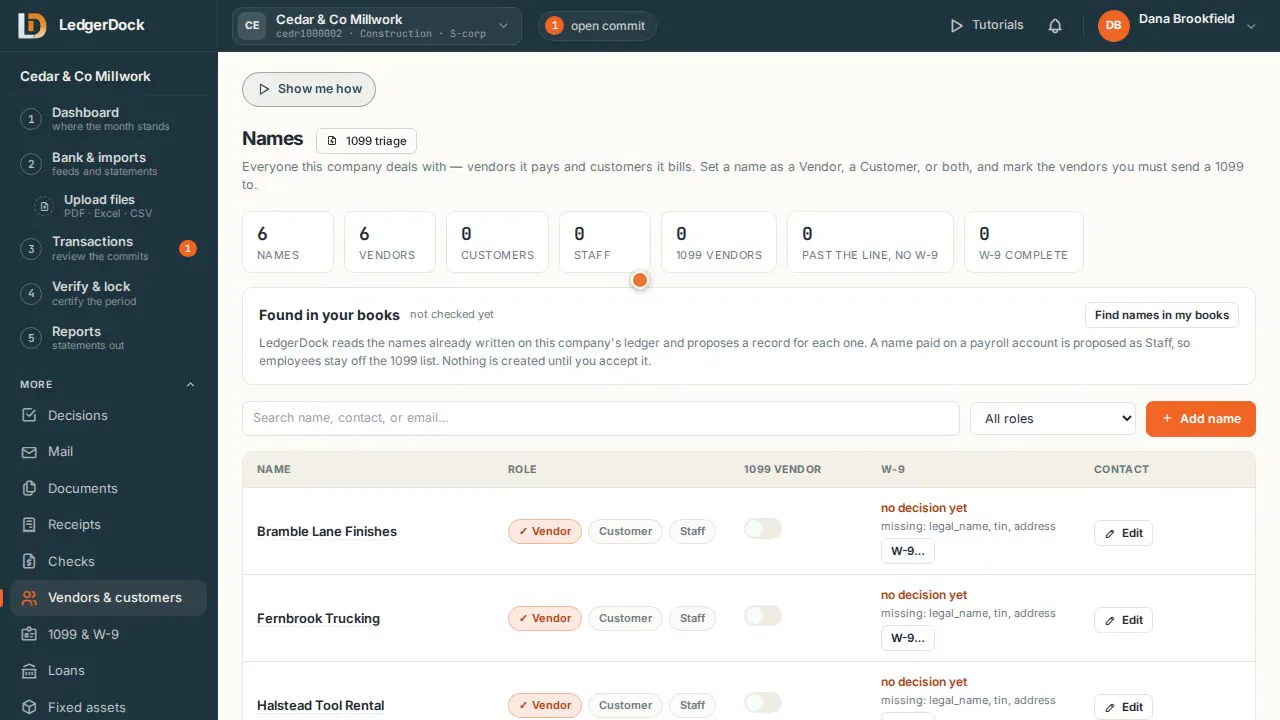
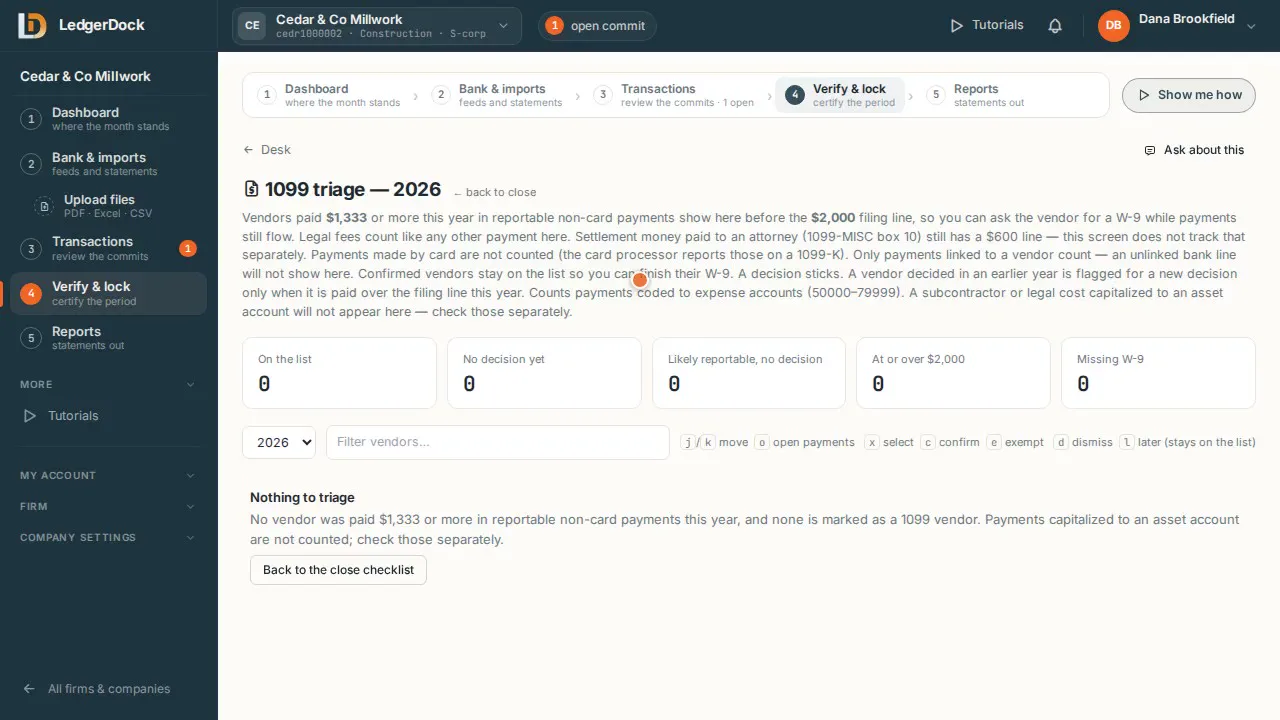
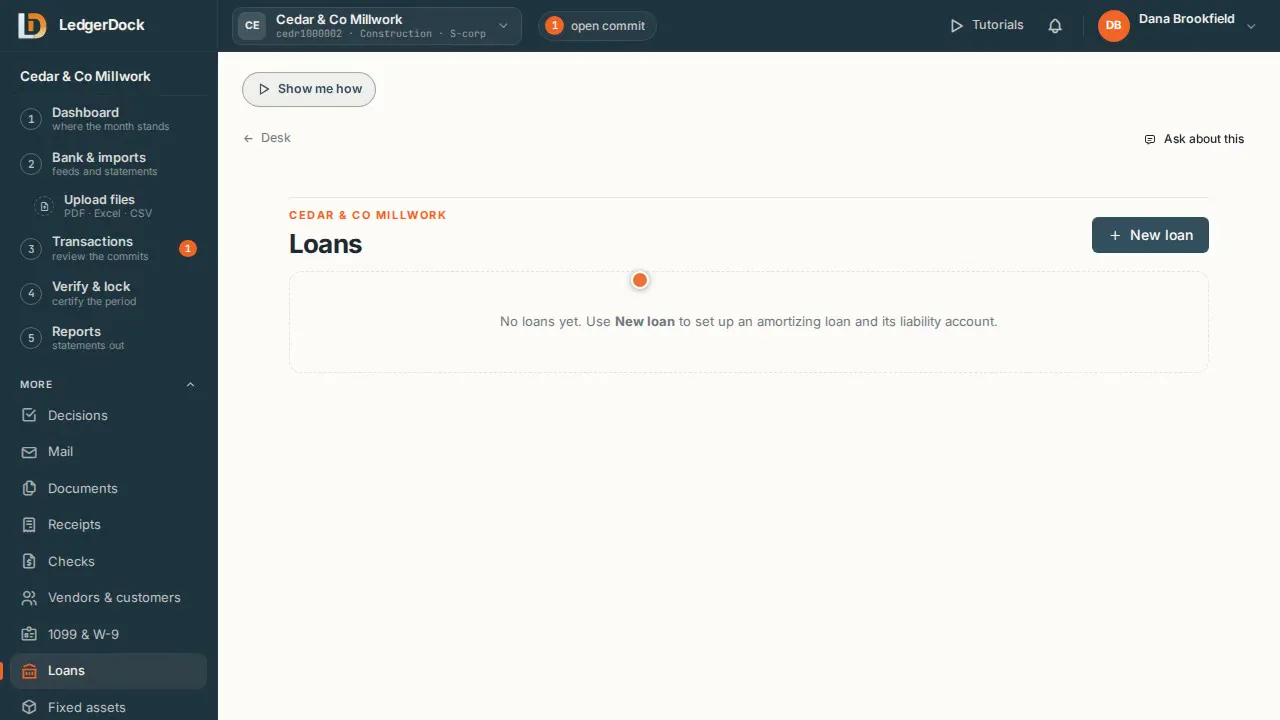
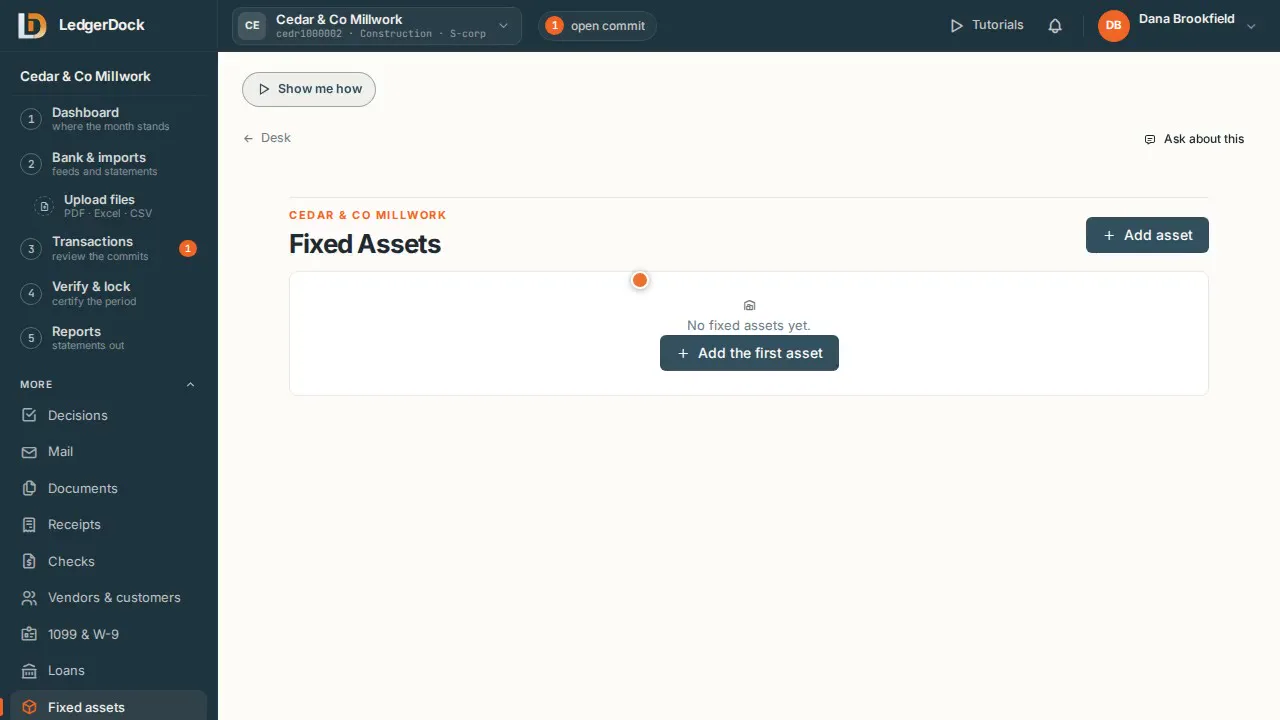
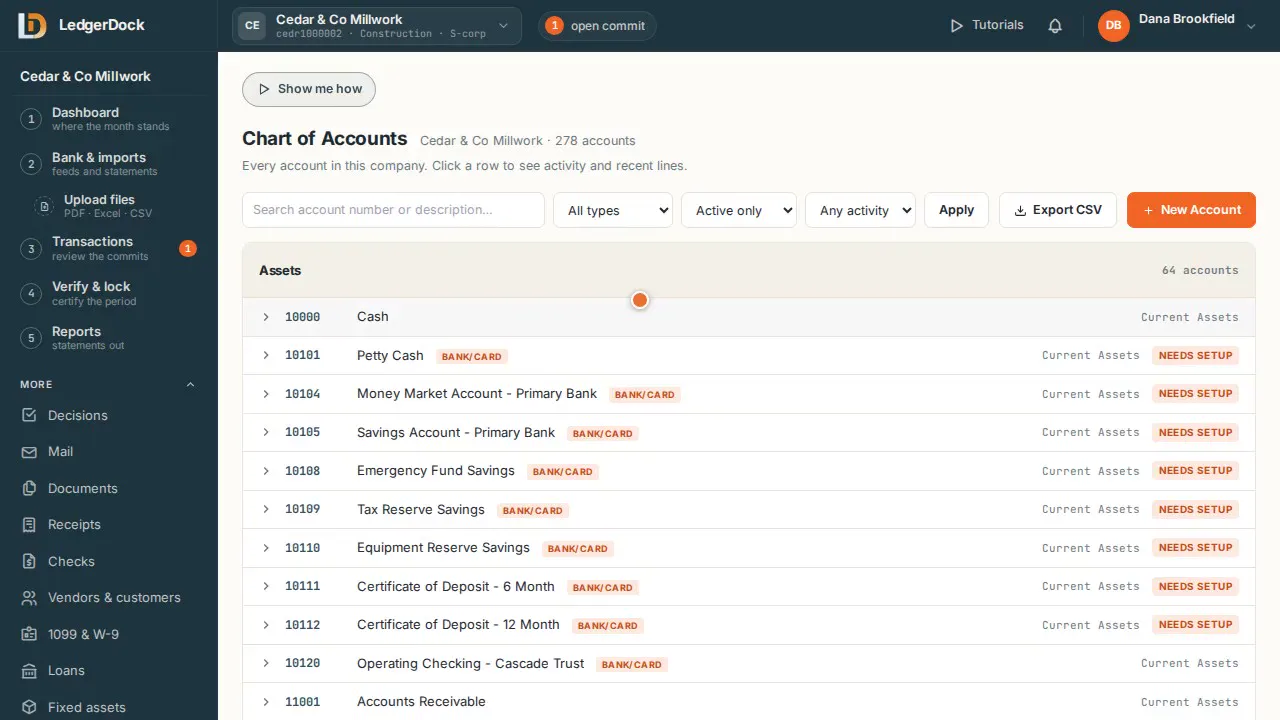
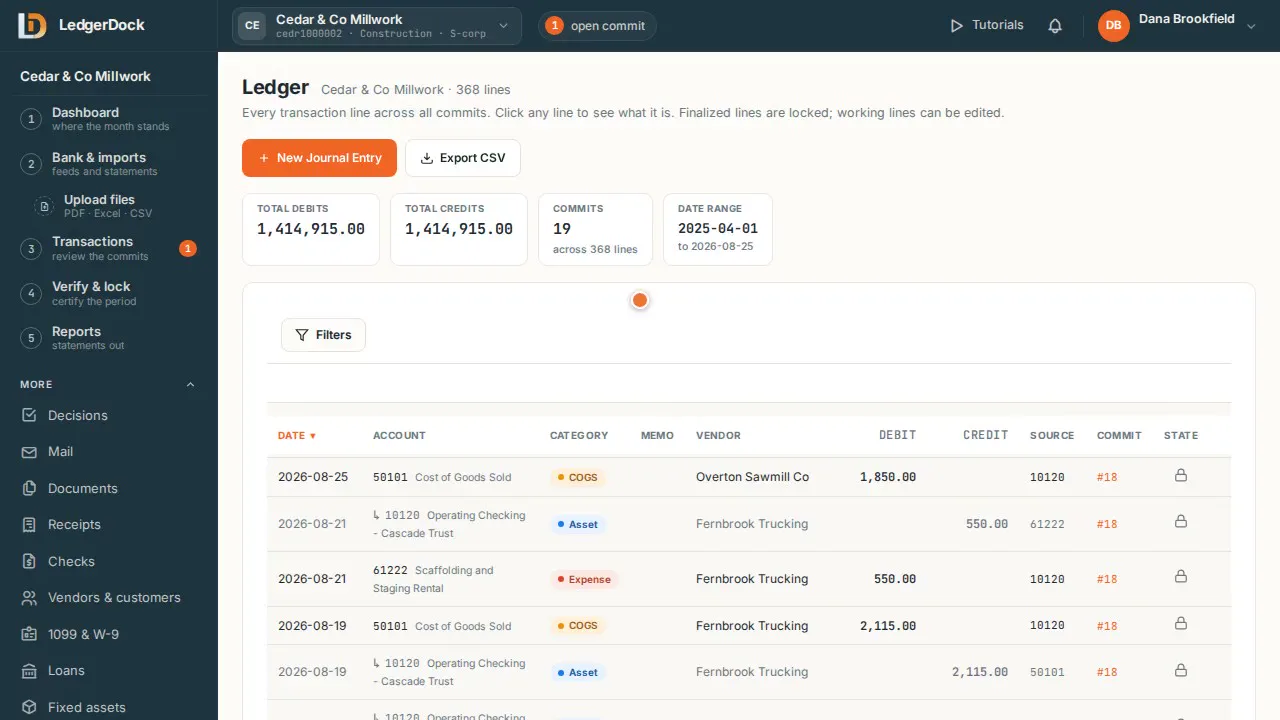
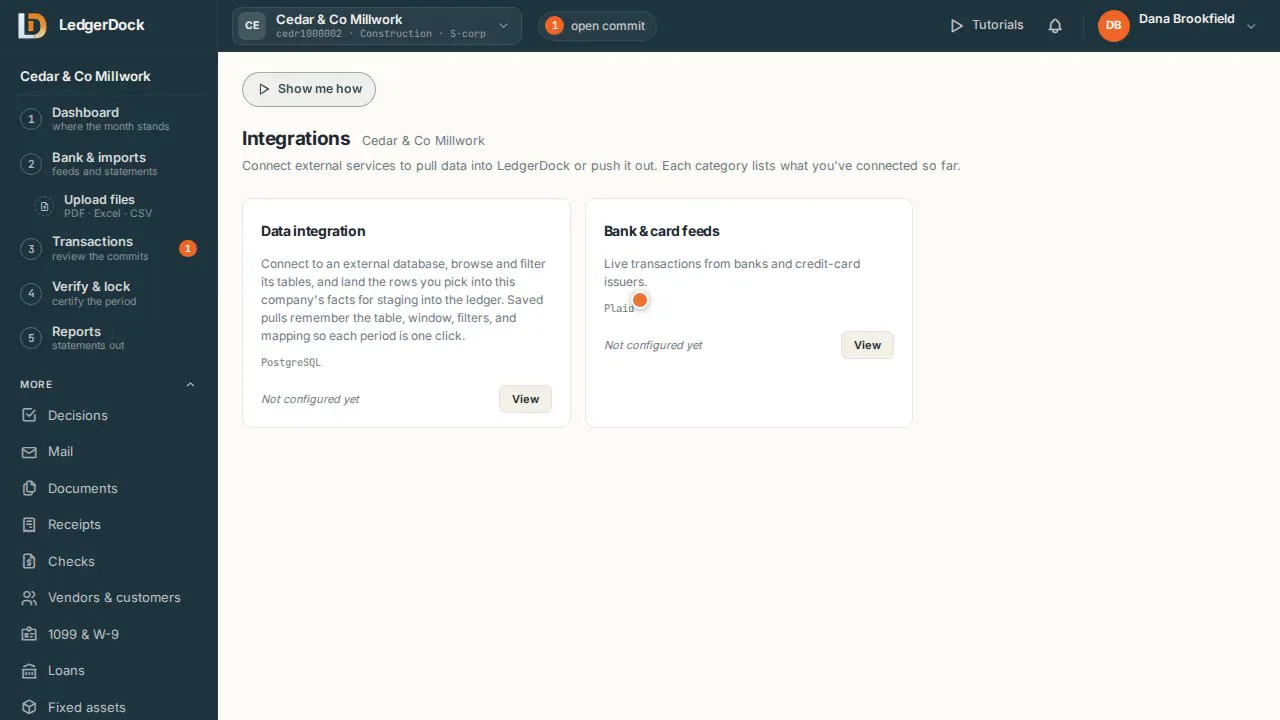
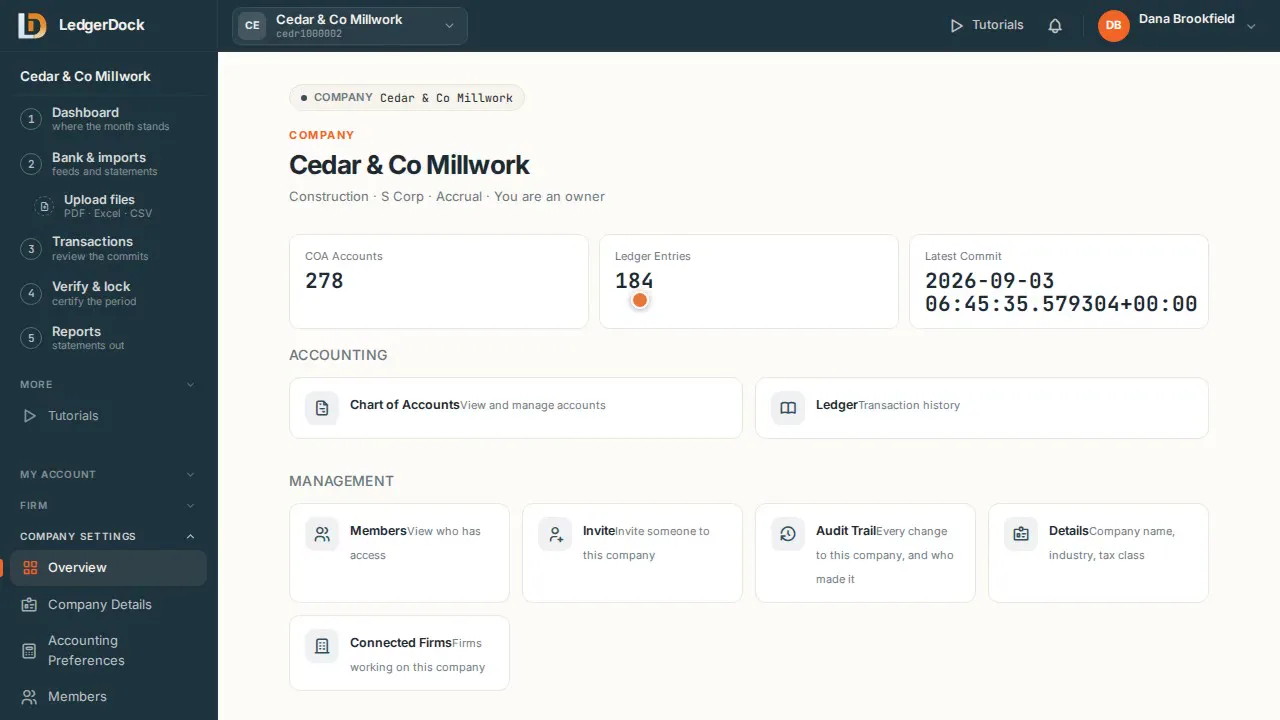
Owner's money For a business that runs on the owner's own card, Zelle or cash. Watch 0:43 Import a statement Drop a statement file. LedgerDock reads it and checks its own math. Watch 0:56 Close board One look answers: which months are done, and which need work. Watch 0:42 Decisions Lines with no precedent wait here for you. One answer teaches next month. Watch 0:35 Mail Give the client one address. What they send lands here, attachments included. Watch 0:27 Documents Statements, receipts, tax papers and reports, filed in one place. Watch 0:33 Receipts Every receipt for the company, ready to attach to its transaction. Watch 0:24 Checks Which checks the bank has not paid yet, and where the register and the bank disagree. Watch 0:37 Vendors & customers Vendors it pays, customers it bills, staff it employs — and who needs a 1099. Watch 0:42 1099 & W-9 Vendors close to the 1099 line show up early, so you can get the W-9 while you still pay them. Watch 0:50 Loans Set up a loan once. Each payment splits into principal and interest for you. Watch 0:45 Fixed assets Add an asset once. Its depreciation is scheduled for you. Watch 0:41 Chart of accounts Every account in the company. Click one to see its activity. Watch 0:28 Ledger Every transaction line, from every commit, in one list. Watch 0:33 Integrations Bank feeds and outside databases, in one place. Watch 0:34 Company settings Name, industry, tax class, accounting method and close period, for one company. Watch 0:35 Profile & security Your account, your company access, and a stronger sign-in. Watch 0:38

More guides

The screens you open less often. A few steps each.

Chats — every conversation, saved

Ask LedgerDock a question, give it a command, or record an entry — in words.

  1. Talk to LedgerDock in the box on the Dashboard: ask a question, give a command, or record an entry.
  2. Every conversation is saved under Chats, for this company.
  3. Open a chat to read it again. “New chat” starts a fresh one.
  4. Drop a file into a chat and it is filed like an upload.

Firm settings — your team and your clients

One firm holds your team and every client company you work on.

  1. A firm groups the companies you work on. Set it up once with “Set up your firm”.
  2. Team & Roles: invite your staff and choose what each person can do.
  3. Clients: the companies the firm works on. Your team reaches each one through the firm.
  4. Details & Branding: the firm's name and look.
  5. Audit Trail: every change in the firm, who made it, and when.

Try the five steps on your own books. One set of books is free.