

24 seconds, with voice and captions. The company on screen is a demo with invented books.
The steps
- Receipts lists every receipt filed for this company.
- Drop photos or PDFs of receipts on the page, or click “Upload”.
- In the reviewer, the “Receipts” tray attaches a receipt to its transaction — or mark it paid in cash.
- A receipt is evidence. It never posts money by itself.
What the video says
Every word, written out
Receipts. Every receipt filed for this company.
Drop photos or PDFs of receipts on the page, or click Upload.
In the reviewer, the Receipts tray attaches a receipt to its transaction. Or mark it paid in cash.
A receipt is evidence. It never posts money by itself.
Keep going
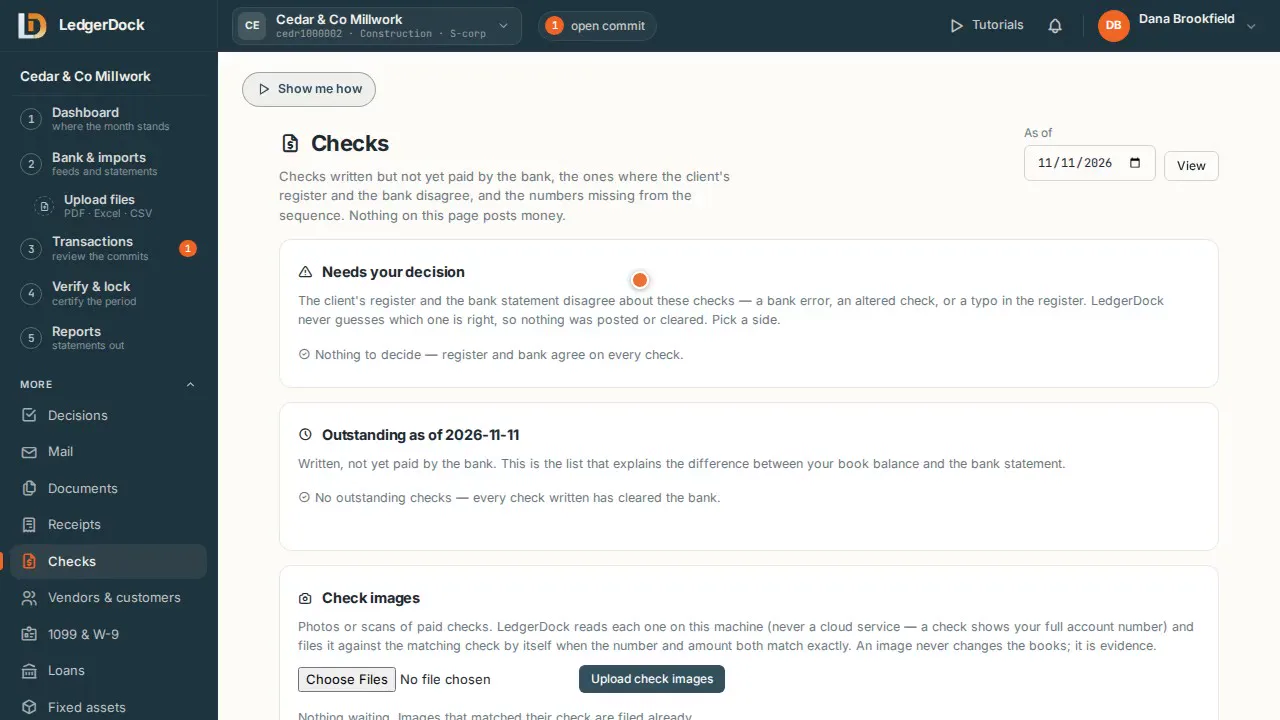 Checks Which checks the bank has not paid yet, and where the register and the bank disagree.
Watch 0:37
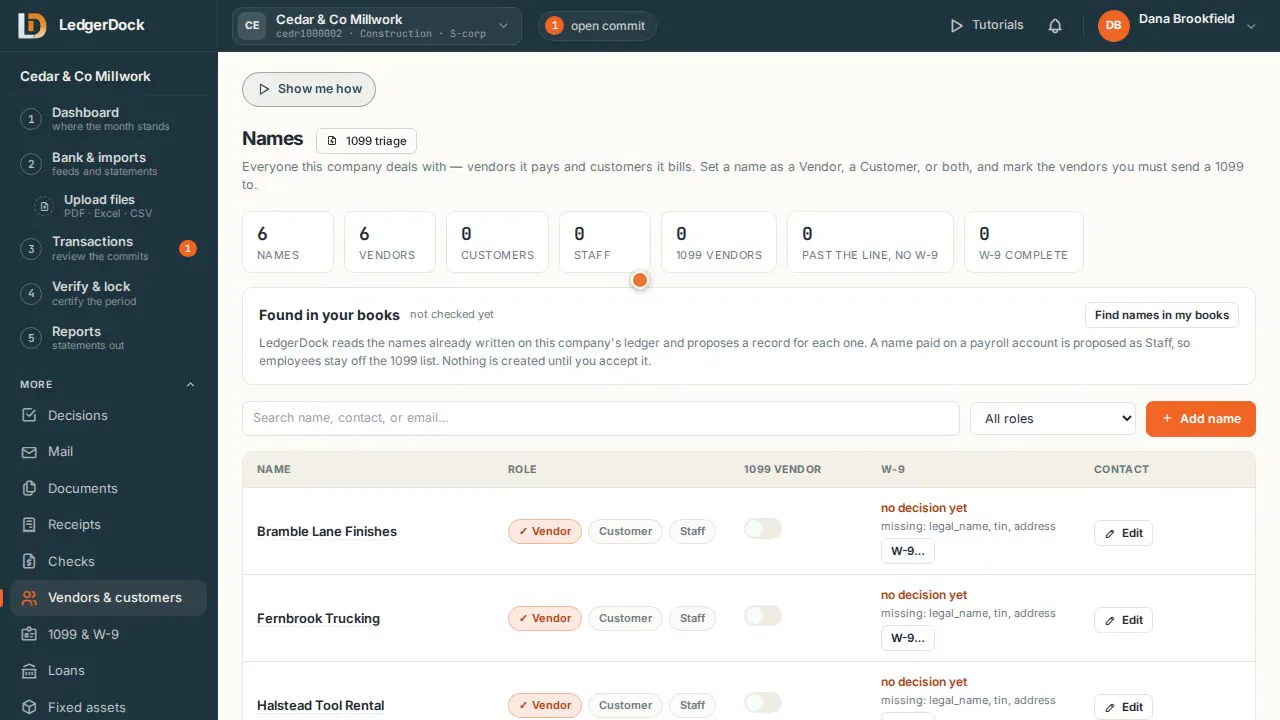 Vendors & customers Vendors it pays, customers it bills, staff it employs — and who needs a 1099.
Watch 0:42
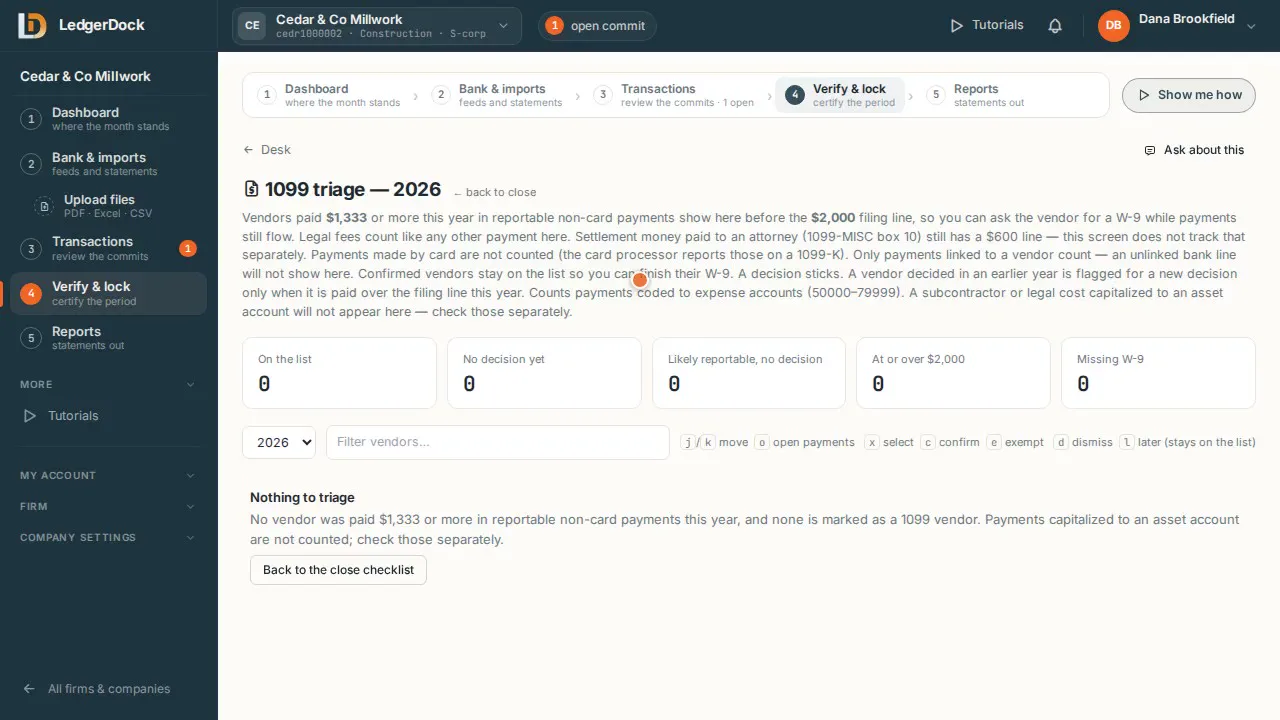 1099 & W-9 Vendors close to the 1099 line show up early, so you can get the W-9 while you still pay them.
Watch 0:50
Try it on your own books. One set of books is free.