

- Tutorials
- Bank feeds
Bank feeds
Connect a bank once. Its transactions come in by themselves — you choose when they enter the books.
67 seconds, with voice and captions. The company on screen is a demo with invented books.
The steps
- Open 2 — Bank & imports.
- First set “Pull history from” — how far back to fetch. Set it before you connect: the bank fixes the window the moment you sign in.
- Click “Connect a bank” and sign in to the bank. This happens once. The connection is read-only.
- New transactions sync in by themselves. Syncing does not touch the books.
- Link each bank account to its account in your books: press “Map account” on the feed. An account you already keep from statements or a spreadsheet is listed under “In your books, not linked with Plaid” — press “Link with Plaid” there, so the feed continues that same account.
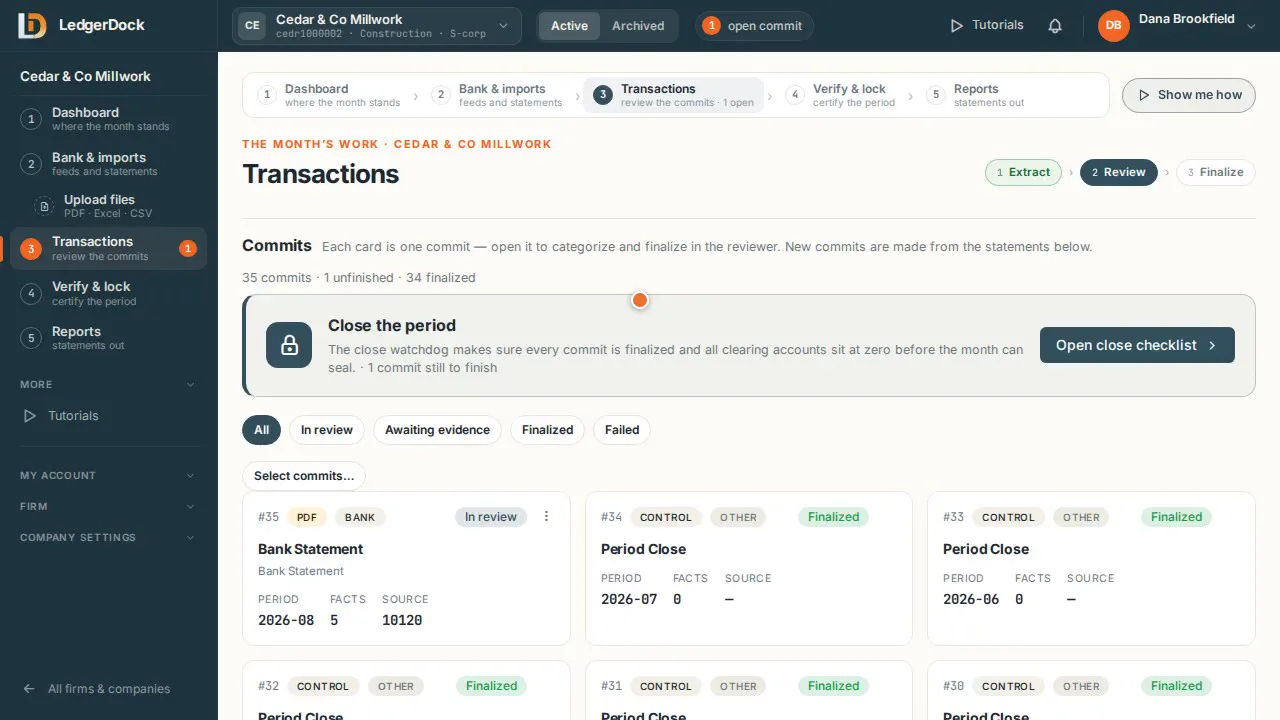
- Then press “Export to facts” on the feed: its new lines become a commit in 3 — Transactions. Lines your books already hold are not offered again.
What the video says
Every word, written out
This is Bank and imports. Step two of the close. Here you connect each bank and card account, once.
First, set how far back to pull history. Do it before you connect. The bank fixes that window the moment you sign in.
Then click Connect a bank, and sign in to the bank. That happens once. The connection is read only.
New transactions sync in by themselves. Syncing does not touch the books.
Each bank account must be linked to its account in your books. On a connected bank, press Map account on the feed.
This account is already in your books, from statements. It has no bank feed yet. Press Link with Plaid, and the feed continues the same account. No second account. No line twice.
Its bank is not connected yet, so the page says what to do. Connect the bank, and keep the start date. Then come back here and choose the new feed.
Then press Export to facts on the feed. Its new lines become a commit in step three, Transactions. Lines your books already hold are not offered again.
Keep going
Try it on your own books. One set of books is free.