

33 seconds, with voice and captions. The company on screen is a demo with invented books.
The steps
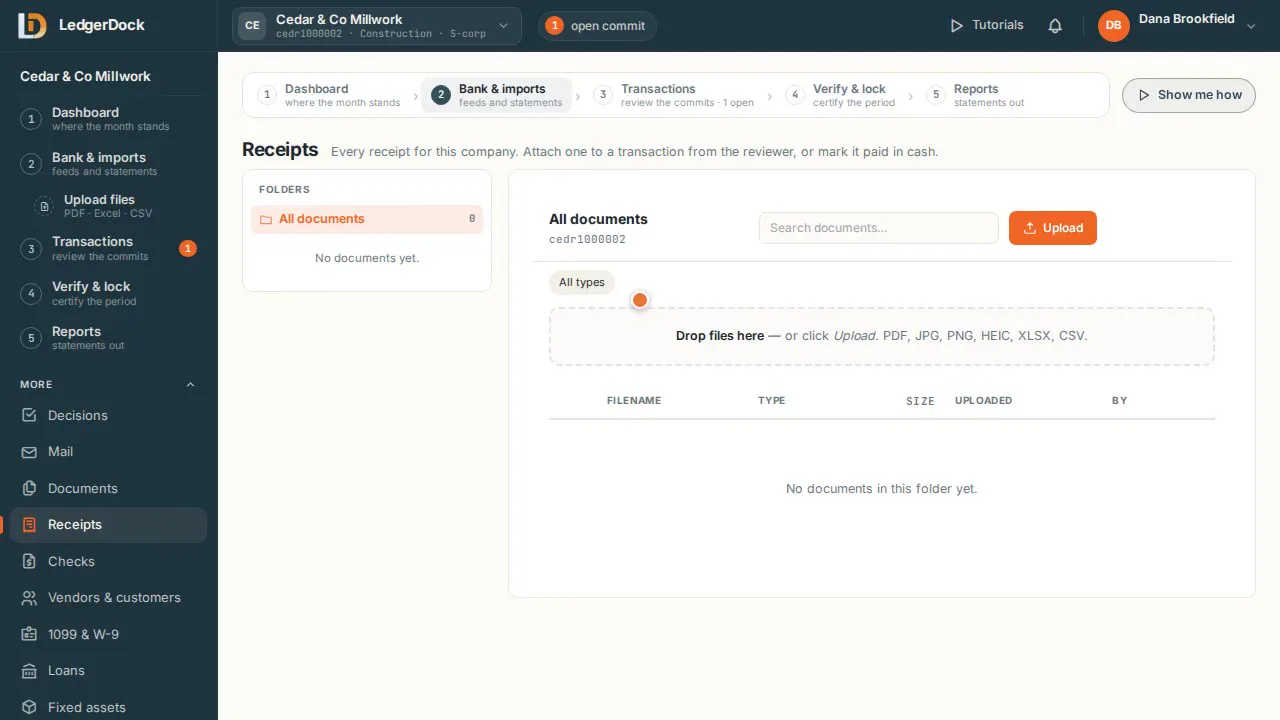
- Drop files on the page, or click “Upload”. PDF, JPG, PNG, HEIC, Excel and CSV all work.
- Folders and the type filter keep statements, receipts and tax papers apart.
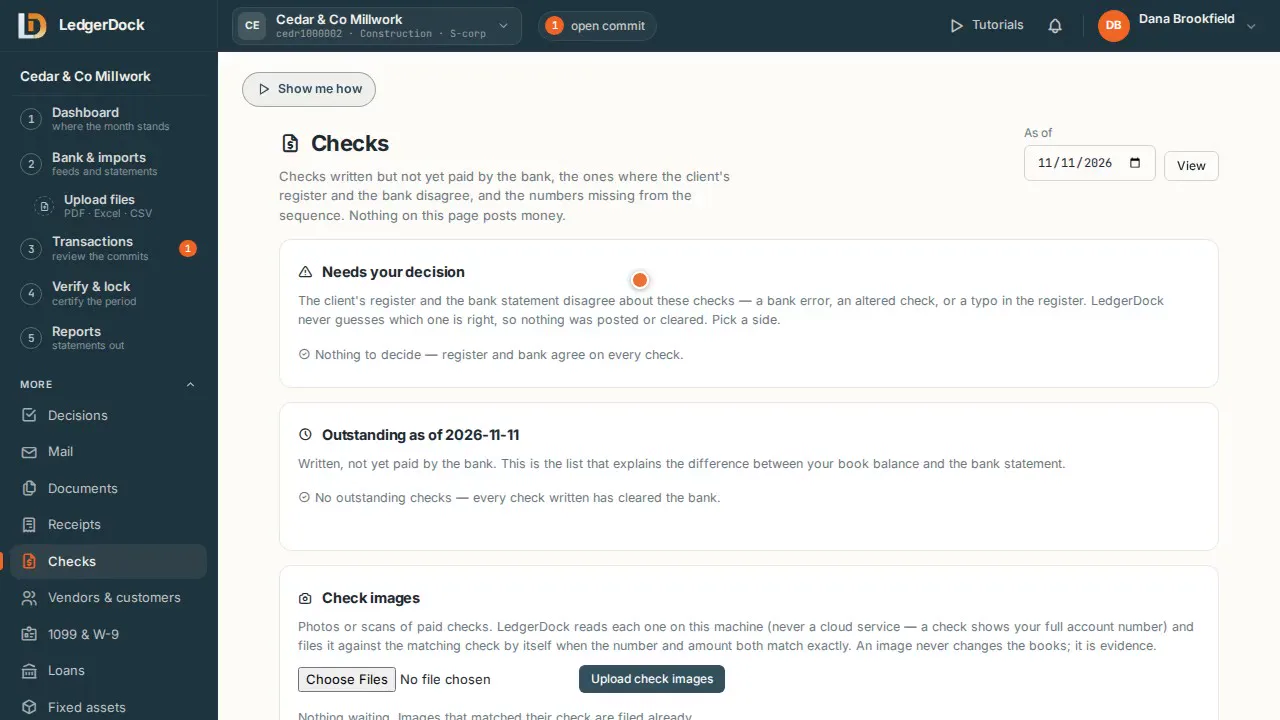
- A document is evidence. It never posts money by itself.
- Attach a document to a transaction in the reviewer, and it becomes that entry's proof.
What the video says
Every word, written out
Documents. The company's file cabinet. Statements, receipts, tax papers, and reports.
Drop files on the page, or click Upload. PDF, photos, Excel and CSV all work.
Folders and the type filter keep statements, receipts, and tax papers apart.
A document is evidence. It never posts money by itself. Attach it to a transaction in the reviewer, and it becomes that entry's proof.
Keep going
Try it on your own books. One set of books is free.