

- Tutorials
- Vendors & customers
Vendors & customers
Vendors it pays, customers it bills, staff it employs — and who needs a 1099.
42 seconds, with voice and captions. The company on screen is a demo with invented books.
The steps
- “Find names in my books” reads the names already on the ledger and proposes a record for each. Nothing is created until you accept it.
- Set each name as a Vendor, a Customer, Staff — or more than one.
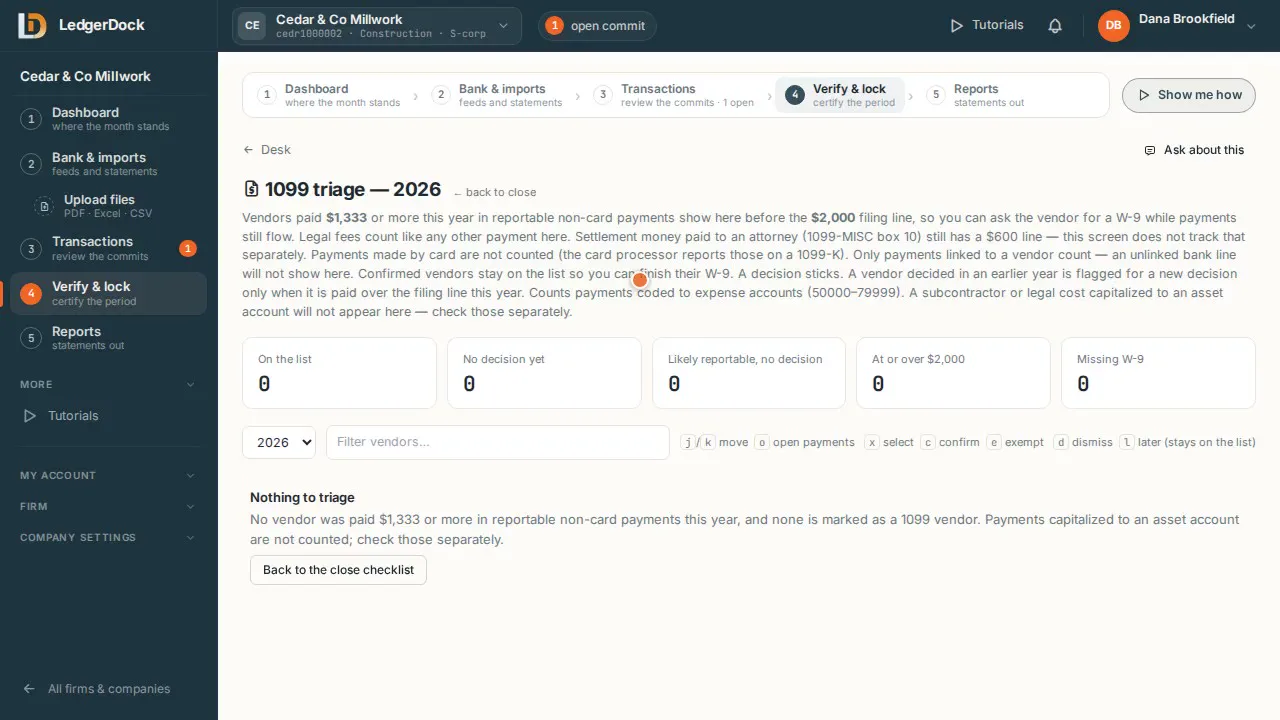
- Tick “1099 vendor” for the vendors you must send a 1099 to.
- “W-9…” opens the vendor's tax form: legal name, address, tax ID. The tax ID is stored encrypted.
- “Add name” creates one by hand. “Edit” changes its contact details.
What the video says
Every word, written out
Vendors and customers. Everyone this company deals with.
Find names in my books reads the names already on the ledger, and proposes a record for each. Nothing is created until you accept it.
Set each name as a vendor, a customer, staff, or more than one.
Tick 1099 vendor, for the vendors you must send a 1099 to.
W-9 opens the vendor's tax form. Legal name, address, tax I D. The tax I D is stored encrypted.
Add name creates one by hand. Edit changes its contact details.
Keep going
Try it on your own books. One set of books is free.