

68 seconds, with voice and captions. The company on screen is a demo with invented books.
The steps
- The left menu is numbered 1 to 5. That is the whole job, in order.
- 1 — Dashboard. Start here. It shows what the month still needs — and you can drop a PDF or Excel file right into it.
- On the Dashboard, the cards — Needs your decision, Bank & card, What looks wrong, Inbox, Open questions — are the month's to-do list.
- 2 — Bank & imports. Money comes in from bank feeds. “Upload files”, just under it, takes PDF, Excel and CSV files.
- 3 — Transactions. Every import becomes a commit. The badge counts the commits still open.
- 4 — Verify & lock. When the checks pass, you lock the month.
- 5 — Reports. The finished statements come out here.
- Everything else lives under “More”. You rarely need it.
What the video says
Every word, written out
Welcome to LedgerDock. Closing a month is five steps, in order. The numbered menu on the left is those five steps.
Step one. The Dashboard. Start here. It shows what the month still needs from you. And you can drop a PDF or Excel file right into it.
The cards on the Dashboard are the month's to-do list. Needs your decision. Bank and card. What looks wrong. Inbox. Open questions.
Step two. Bank and imports. This is where the money comes in. Upload files, just under it, takes PDF, Excel and CSV files.
Step three. Transactions. Every import becomes a commit. The orange badge counts the commits still open.
Step four. Verify and lock. When the checks pass, you certify the month, and lock it.
Step five. Reports. The finished statements come out here.
Everything else lives under More. You will rarely need it.
The same five steps sit at the top of every screen, so you always know where you are. That is the whole map.
Keep going
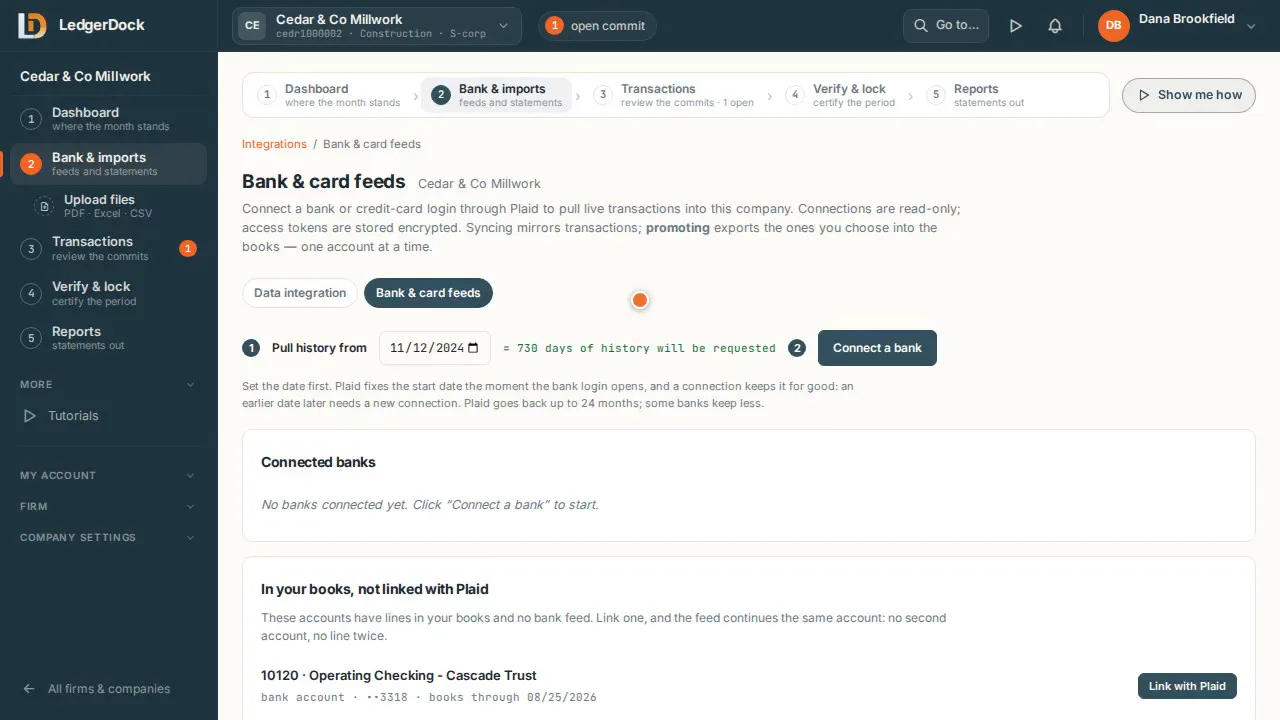 Bank feeds Connect a bank once. Its transactions come in by themselves — you choose when they enter the books.
Watch 1:07
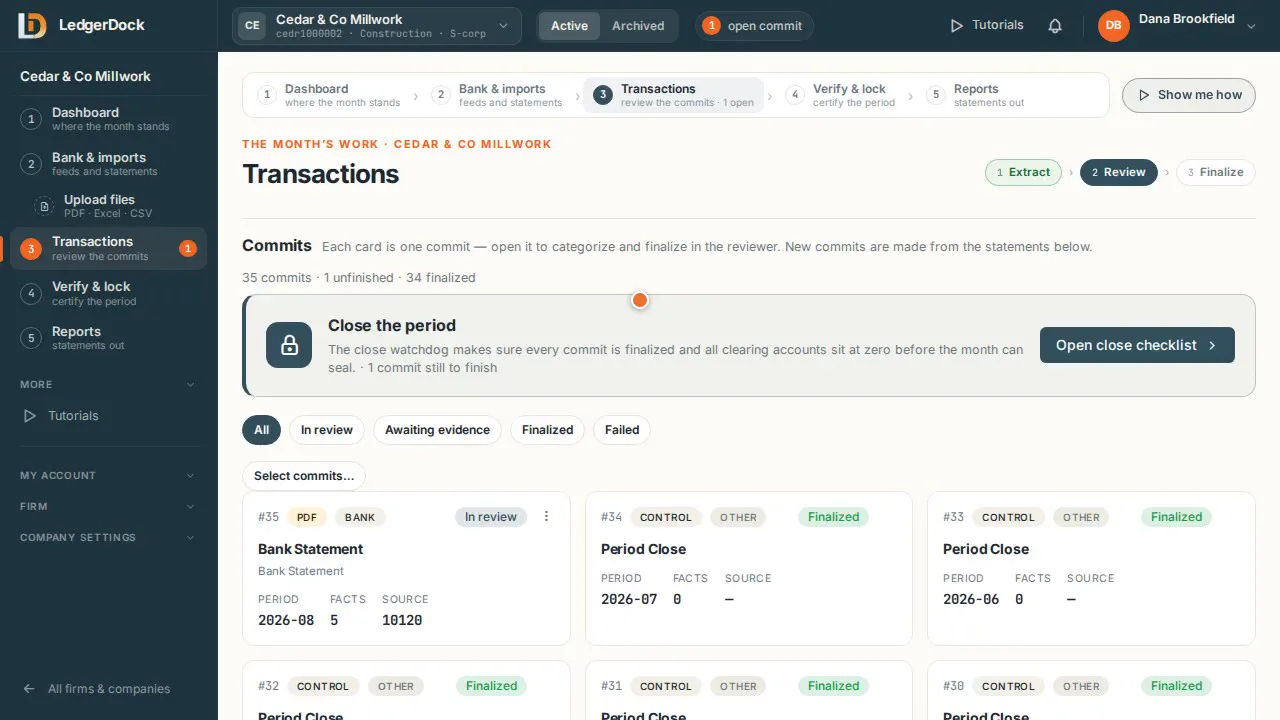 Transactions A commit is one batch of work. Open it, check every line, finalize it.
Watch 0:57
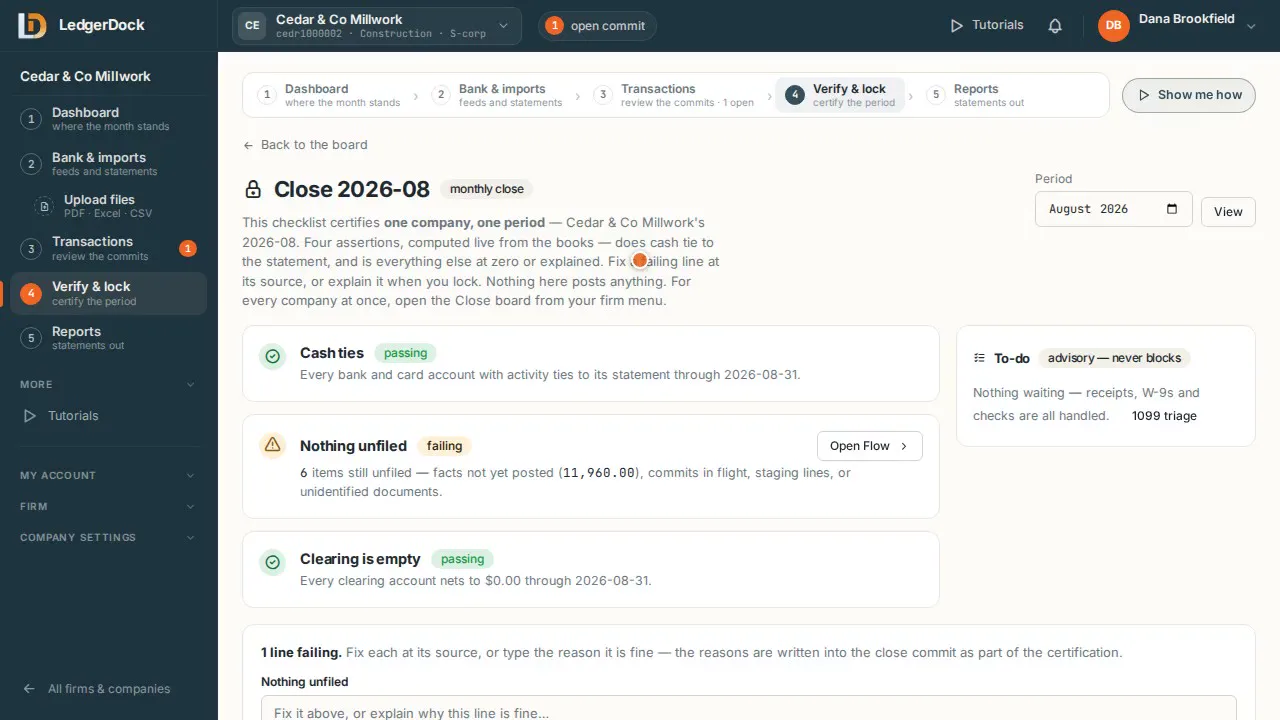 Verify and lock Four checks prove the month is right. The lock makes it final.
Watch 0:49
Try it on your own books. One set of books is free.